Please update your Flash Player to view content.
What is SignCut? PDF E-mail

SignCut is the most efficient and flexible vinyl cutting software that exists today. Perfectly adapted to your vinyl cutter, it improves its ability considerably.

 Widely used for:

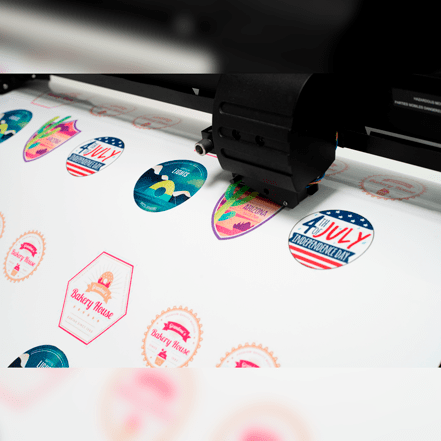
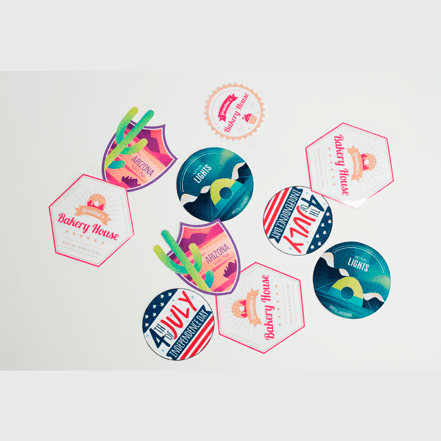
  • Various contour cutting
  • Sign making & manufacturing
  • Scrapbooking
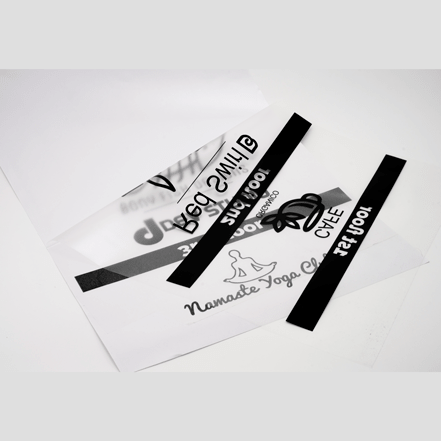
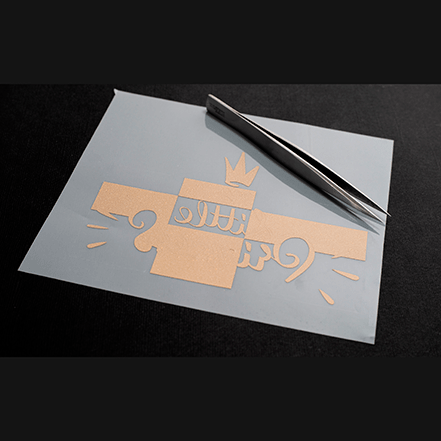
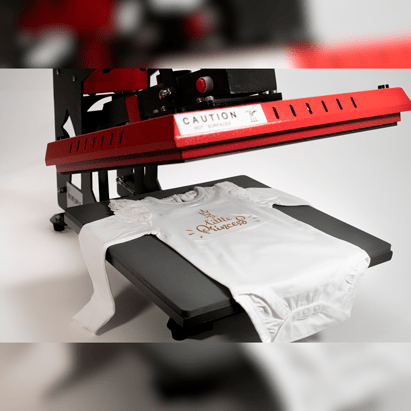
  • T-shirt transfer cutting
  • Paint mask cutting
  • Sandblast mask cutting
  • Create signs at any type and size.
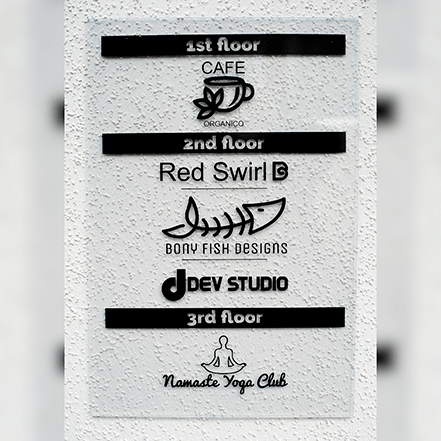
  • Create indoor name-plates and company logos.
  • Create stripes and logos for vehicles.
  • Create masking for airbrush, tattoos, painting, sandblasting.
  • Create large multi-tiled jobs with unique mounting-help.
  • Create banners.
  • Cut magnets and magnetic sheets.
  • Create silk-screen mask.
  • Cut out business cards

SignCut is not just a simple printer driver. It is a very powerful application which supports the whole manufacturing process, saving both time and material.

We believe software should keep up with hardware - that's why SignCut has become the most up-to-date cutting software on the market, supporting most versions of popular layout software like CorelDraw, Adobe Illustrator, and InkScape, and runs on all the latest operating systems - Windows 7, Windows Vista and Mac OS X.

SignCut allows you to express yourself and produce high quality work. You can cut small pieces with high precision and absolute accuracy. You can manage signs of unlimited size by dividing them into cuttable overlapping tiles in a size that suits your cutter.

With SignCut you can mount multible color jobs, such as advanced car striping. And it's easier than ever before.

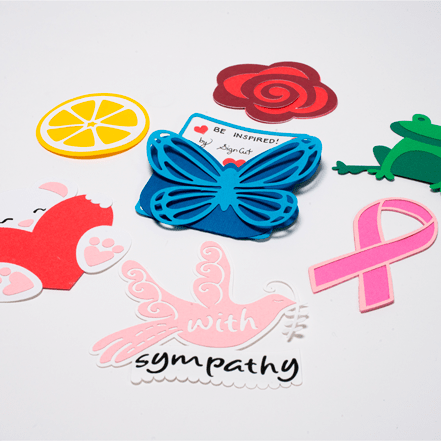
If you like paper craft work, then you will be thrilled by outstanding contour cutting abilities and a most user friendly dashed line cutting.

Wasted material is never a good thing, and to that end, SignCut helps you save material like no other sign cutting software.

Time-critical applications? SignCut has you covered with the smartest weeding lines you ever experienced. And that alone may save you several hours every month.

SignCut also supports sign mounting like no other software, putting a powerful registration mark system at your fingertips. And your measurements are available with a single click of the "Print Out" button.

SignCut is very easy to use with a simple and straightforward interface, which lets you import and work with vector graphics to design your signs. Combined with the extremely powerful backend it is built on top of, SignCut is most advanced product of its kind on the market.

Important: Using SignCut requires a license or a dongle (USB hardware lock). To obtain a license, please sign up to evaluate the full version of SignCut (click "Try SignCut" under Downloads). If your subscription has expired, you can renew it in our web shop.

 
SignCut Features PDF E-mail

SignCut Productivity Pro is available in two different forms:

  1. SignCut Productivity Pro subscription model which requires internet access on the computer used.
  2. SignCut Hobbyist Version, all the great features of our other versions but affordable and designed for users who cut only smal objects restricted to a tile size of 20"x20"
  3. SignCut Productivity Pro Lifetime License with a dongle which is a USB-hardware lock and doesn't require internet access.*


    *The Lifetime license is a purchase and not a subscription. This version runs with a USB Dongle and may be used on any computer as long as the dongle is present and the operating system supports it.

    **Hobbyist edition is also a purchase and runs after activation for as long as your hardware and operating system supports it. It has all the features of our full version but is restricted to a cutting area of 20"x20"

Currently the dongle and software runs on any computer running Mac OSX, Windows XP,Vista, and Windows 7 32 bit and 64 bit machines.

What should be good to know is that SignCut is aimed to aid in the process of creating your products and controlling your hardware, but also to ease the post-production part. Therefore SignCut does not contain any designing-tools. All such work should be done in a design-software such as CorelDraw / Illustrator or Inkscape or any other software that is capable of exporting their data as EPS or AI.
Here follows a brief list of features in SignCut:
Feature list
 
    •    Export plugins available for CorelDraw, Illustrator and Inkscape

    •    Available for Windows and Mac OS X
 
    •    Cut by colour and any colour combination
 
    •    Software knife-blade offset compensation
 
    •    Automatic tiling / panelling with optional overlap

    •    Manual tiling / panelling with optional overlap
 
    •    Communicates with most devices (COM/LPT/USB/TCP-IP)

    •    Drivers for over 440 plotters / cutters, and growing (Click here for list )
 
    •    Plotter / cutter size calibration

    •    Automatic stacking and placement on the vinyl

    •    Scale to any size

    •    Scale image based on object (indispensable when repairing signs)

    •    Internal file-format works seamlessly on Windows and Mac OS X

    •    Multilingual , currently supports 19 languages
 
    •    Print job information, including tiles and placement in the sign

    •    Rotation and mirroring of the image
 
    •    Weedinglines & Weedingframe

    •    Registration marks

    •    Step by step cutting (No more vinyl feeding back and forth)

    •    Preview (shows exactly the same data as is sent to the machine)

    •    Testfeed (Prefeeds the vinyl and also checks that tracking is ok)

    •    Supports optical-eye contour cutting on Roland,Graphtec,Mutoh,Summa
 
    •    Simple Contourcutting, quick and easy contourcutting.


To get started, click here to download a free trial for testing. If there are any questions, just login to the Customer Login area and there you will find Support, Knowledgebase, Manuals, Tutorials and Videos.

 
Mac OSX PDF E-mail
Tuesday, 06 July 2010 09:32

Fully compatible with OSX 10.3 - 10.7

Leopard, Snow Leopard and Lion

Users wishing to upgrade from the X2 version to our newest SignCut Productivity Pro may do so by logging in to their existing account at www.sc-x2.com then scrolling down and choosing the option to Migrate license. This will transfer your existing subscription to a newly generated license and provide you with download instructions. This is a free upgrade and recommended to all our existing X2 customers as there will be no further updates made for the X2 version


To purchase we ask you to register and download a trial version first. Once you have is set up and are satisfied we are the right solution for your needs click help in the program and then select Login to Customer Area.

For users who have Existing Pro Licensees  either a Subscription or trial version users wishing to extend their subscriptions or purchase a new subscription may do so by Logging in here

SignCut Productivity Pro is the world leading software for sign making!

If you use Adobe Illustrator or the popular freeware software Inkscape to create your designs / artwork, then SignCut is a perfect match, especially with our plug-ins that will transfer your work to SignCut in a flash.

SignCut Productivity Pro works with Windows 2000 / XP / Vista and Mac OS X Panther / Tiger, Leopard, Snow Leopard and now Lion

Here is a few examples of what you can do:

  • Create signs at any type and size.
  • Create indoor name-plates and company logos.
  • Create stripes and logos for vehicles.
  • Create masking for airbrush, tattoos, painting, sandblasting.
  • Create large multi-tiled jobs with unique mounting-help.
  • Create banners.
  • Cut magnets and magnetic sheets.
  • Create silk-screen mask.
These are just a few examples. We are convinced that you can come up with more interesting ways to use SignCut.

To get started, click on 'Download Free Trial ' now!

Click here to view a few demonstration videos!

Last Updated on Sunday, 15 January 2012 12:05
 
Support PDF E-mail
logo

 For support, please refer to these options:

Use our free support portal

    *http://signcut.zendesk.com/
   
   * Use the Live-support button at the top of this page. (if offline please leave a detailed message and we will email you back shortly)
Signcut offers unsurpassed customer support options. Our support center is staffed by industry experts, not just customer service agents. All of our agents have been professionals in the industry for years.

All customers have access to our web support 24/7 by utilizing our website ticket system accessible via http://signcut.zendesk.com/

Additionally we staff our live support desk between the hours of 9:00am - 5:00pm US CST Should a live support agent be unavailable or busy assisting others you may leave a detailed message and we will return your message via email as soon as possible during our normal business hours generally within 4 hours but not longer than 24 hours in most cases.

You may also utilize our industry partnership with Signforums.com to discuss techniques and tips with other Signcut users.

We also staff our Live Support Desk after hours on weekends and holidays on an as available basis.

For Sales Questions you may utilize our sales line  (800)691-7571 this is not a support number any support issues will need to use the options above.